Discord has become the go‑to hangout for gamers, students, and hobbyists—but its open servers, direct messages, and voice chats can expose kids to trolls, scams, and adult content. As a parent, you need to apply the right Discord safety tips and parental controls to protect your child in gaming communities. Below are 5 essential settings and best practices to keep your kids safe in 2025.
1. Adjust Direct Message Privacy
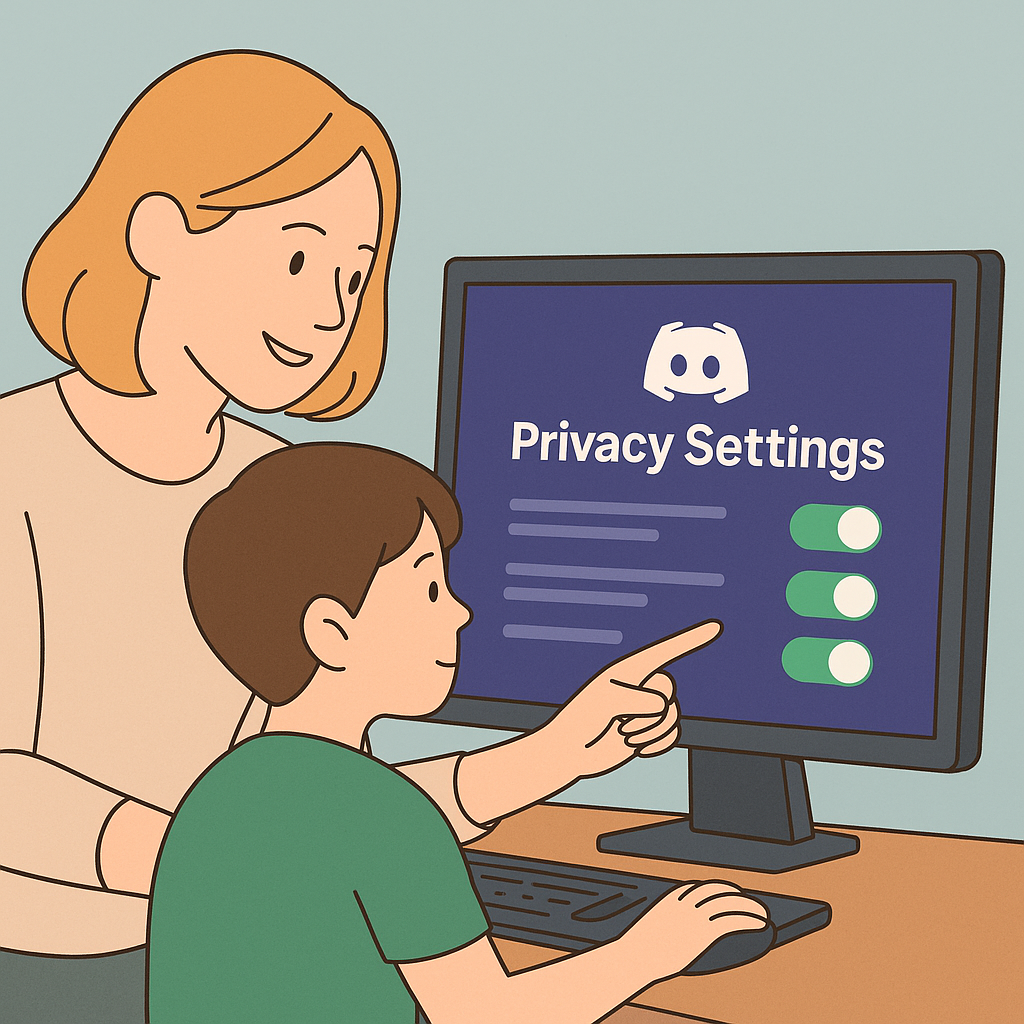
Prevent unwanted DMs from strangers by tweaking your child’s privacy:
- Open User Settings (gear icon) > Privacy & Safety.
- Under Safe Direct Messaging, select Keep Me Safe—Discord scans and filters explicit content.
- Toggle off Allow direct messages from server members unless you trust the server.
✅ These Discord parental controls block DMs with explicit images and limit messaging to known friends.
2. Restrict Server Invitations
Kids can be lured into unsafe servers via invite links—lock down who can invite them:
- Go to Privacy & Safety > Server Privacy Defaults.
- Disable Allow direct messages from server members globally.
- Under Server invites, set to Friends only to block random invites entirely.
✅ Only trusted friends can add your child to new communities.
3. Enable Explicit Content Filter
Discord can automatically scan media for adult content if you enable the right setting:
- In Privacy & Safety, find Safe Direct Messaging.
- Select My Friends Are Nice or Keep Me Safe to filter image attachments.
✅ This helps ensure image attachments are free of explicit material.
4. Limit Friend Requests
Control who can send friend requests so only trusted people connect with your child:
- Navigate to User Settings > Friends.
- Under Who Can Add You as a Friend, uncheck Everyone—choose Friends of Friends or Server Members as needed.
✅ Managing friend requests reduces exposure to strangers and potential grooming.
5. Monitor Server Activity & Screen Time
Stay involved in your child’s Discord world:
- Ask for a list of their active servers and review each for age‑appropriateness.
- Use a screen‑time tracker or Discord’s Activity Status to see how much time they spend in voice/text channels.
- Set rules like “No Discord after 9 PM” and enforce via device or Family Link timers.
✅ This builds trust and keeps you aware of any issues early.
Internal Resources
For more on managing screen time and digital boundaries, see our Digital Parenting for Beginners , secure other apps with 5 TikTok Safety Settings Every Parent Should Activate in 2025 , and learn how to protect Instagram in Instagram Safety Settings for Parents .
📥 Download your free “9 Essential Steps to Safeguard Your Family’s Social Media Presence” guide and take action today:
✅ Ready to take the next step? Grab the full book: Keeping Families Safe on Social Media — on Amazon or Gumroad.